
For organizers
Soccer tournament status that changes on its own
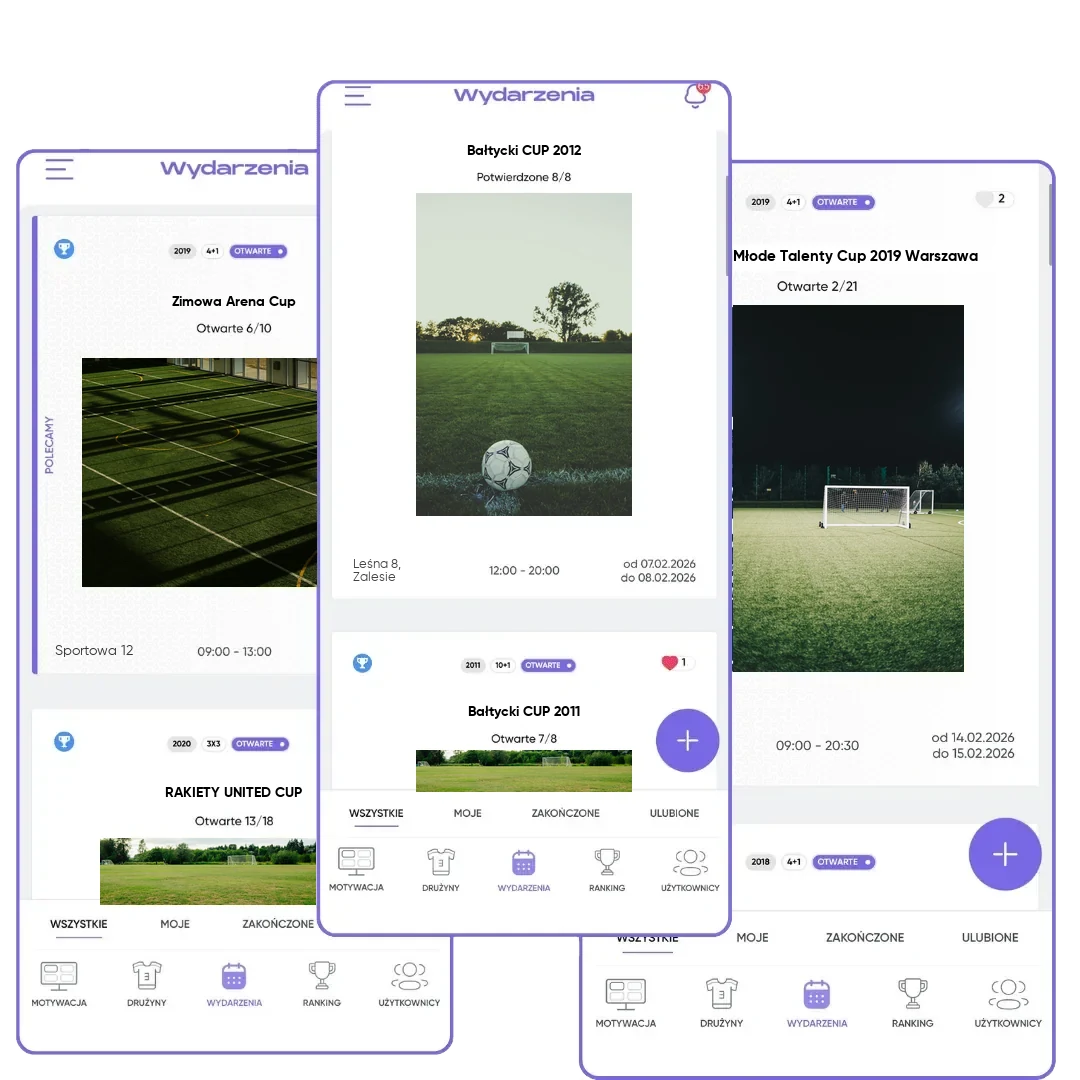
The soccer tournament status shows everyone what's happening now: registration, a full team list, approval, play, the end. You don't have to announce it.
What you get
Changes on its own
A full team list, the first game and the last score switch the status automatically.
Everyone knows
Coaches get a notification when you approve the tournament.
Data in order
After the end, scores are frozen, and the tournament stays in the history.
How it works
- 1
Open and Pending
You collect teams. When the spots fill up, the status changes on its own.
- 2
Confirmed
You approve the tournament and build the schedule.
- 3
In progress and Finished
The first game starts the tournament, the last score closes it.
Five stages, one source of truth
A tournament organizer answers the same questions dozens of times: are there still spots, is the tournament definitely happening, can you check the schedule yet. In FC.APP, the tournament status answers them. Everyone in the app sees what stage the event is at, and the status changes on its own when something important happens. You don't have to announce anything.
A new tournament gets the Open status. It's visible in the app, coaches see the number of open spots and can sign up through one-link registration, and you invite teams from the database. When the number of confirmed teams matches the number of spots, the tournament switches to Pending on its own, and new registrations aren't accepted. If you remove a team or add more spots, the status goes back to Open and a spot frees up again.
When you click "Approve tournament", the status changes to Confirmed, and coaches of registered teams get an automatic notification with the date. Invitations with no reply are declined. Now you build the schedule in the schedule maker and invite referees. You can remove a team that drops out up to one hour before the first game.
The first game switches the tournament to In progress, and once every game has a score, the tournament is Finished. At that point, scores are frozen, and participants see the final standings and the top scorers list. You can still set the order of the final standings if your rules require it, and share the results with a link. Points go into the team rankings, updated on Tuesdays at 1 AM, and the tournament stays in the history.
Frequently asked questions
What statuses does a soccer tournament have in FC.APP?
Open, Pending, Confirmed, In progress and Finished. Most changes happen automatically.
When does a tournament switch to Pending?
Automatically, when the number of confirmed teams equals the number of spots.
When can I build the schedule?
After you approve the tournament, meaning in the Confirmed status.
What can I do after the tournament ends?
Set the order of the final standings if your rules require it, and share the results with a link. Game scores can't be changed anymore.
What if a team drops out after approval?
You can remove it up to one hour before the first game, and the tournament goes back to the Open status and frees up a spot.