
For organizers
Tournament schedule changes without redoing the plan
Changes to the tournament schedule happen all the time. In FC.APP, you move a game, swap the order or change the field in a few seconds, and coaches see the updated plan in the app right away.
What you get
A calm game day
Changing the game order doesn't mean redoing the whole plan.
Drag and drop
You move a game in the schedule with your mouse.
Standings do the math
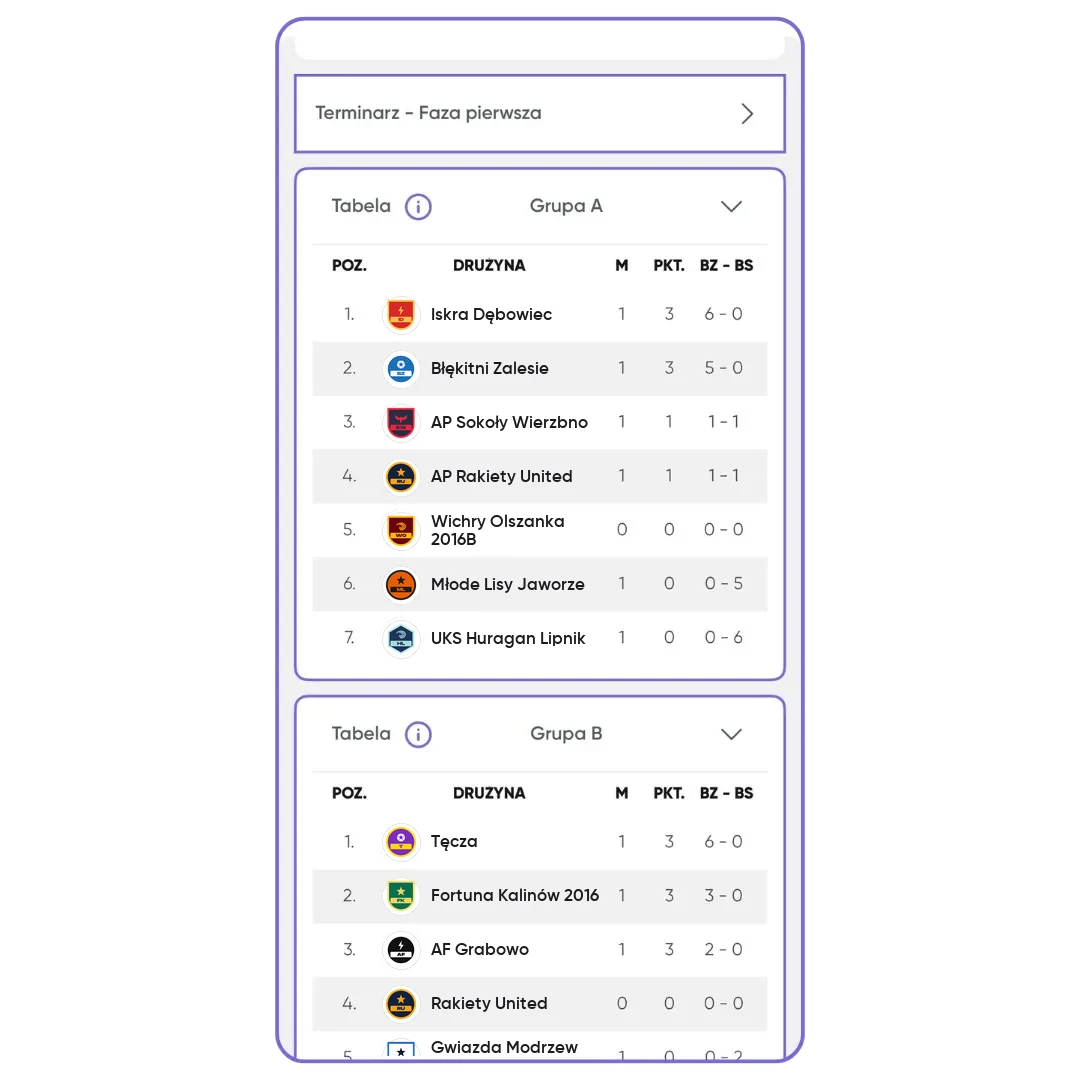
After changes, the standings update automatically.
How it works
- 1
Something changes
A late team, a taken field, a longer break.
- 2
Fix the plan
Swap games, change the time or the field.
- 3
Everyone knows
Teams see the new plan in the app.
A plan that keeps up with game day
No tournament goes exactly to plan. The team bus gets stuck in traffic, a game runs long, the field has to be given back earlier than you expected. With a schedule in a spreadsheet or on paper, every change like that means rewriting and reprinting everything, then calling the coaches. In FC.APP, you fix only the game the change affects, and the rest of the plan stays where it is.
You can edit any game, whether the schedule maker built it or you added it by hand. You change the start date and time, move the game to another field at the same facility, fix the matchups, swap games or add a break. You drag a game to its new spot with your mouse. Full schedule editing is in the browser, in the organizer dashboard.
Changes saved in the browser sync with the app right away. Coaches of the participating teams see the new times and fields practically at the same moment, and registered teams get automatic notifications about the changes. You don't have to write to every coach separately or fix the printout on the board, because the current plan is always on their phone. When you want a new printout, download the PDF schedule with a QR code again.
You can change the pools until the first game of that phase is over. After that, the phase is locked so the scores and standings match what happened on the field. After every score, the standings update on their own. A league works the same way: you can change the date, time and matchups of any game that doesn't have a final score yet.
Frequently asked questions
How do I change a game time in a tournament?
Open the schedule in your browser and change the date or time of the game. You can also drag the game to a new spot with your mouse.
What can I change during the tournament?
The order and times of games, the fields and the breaks. You can change the pools until the first game of that phase is over.
Will coaches see the schedule changes?
Yes. Changes sync with the app right away, and registered teams get notifications.
Can I edit the schedule on my phone?
Full schedule editing is in the browser version, in the organizer dashboard.
What happens to the standings after a change?
They update automatically.
Can I change a league game?
Yes. You can change the date, time and matchups of any game that doesn't have a final score yet.