
For organizers
Share your soccer tournament with one button
Sharing your soccer tournament takes one button. The link goes straight to the event in FC.APP, and team registrations come back to you in one place.
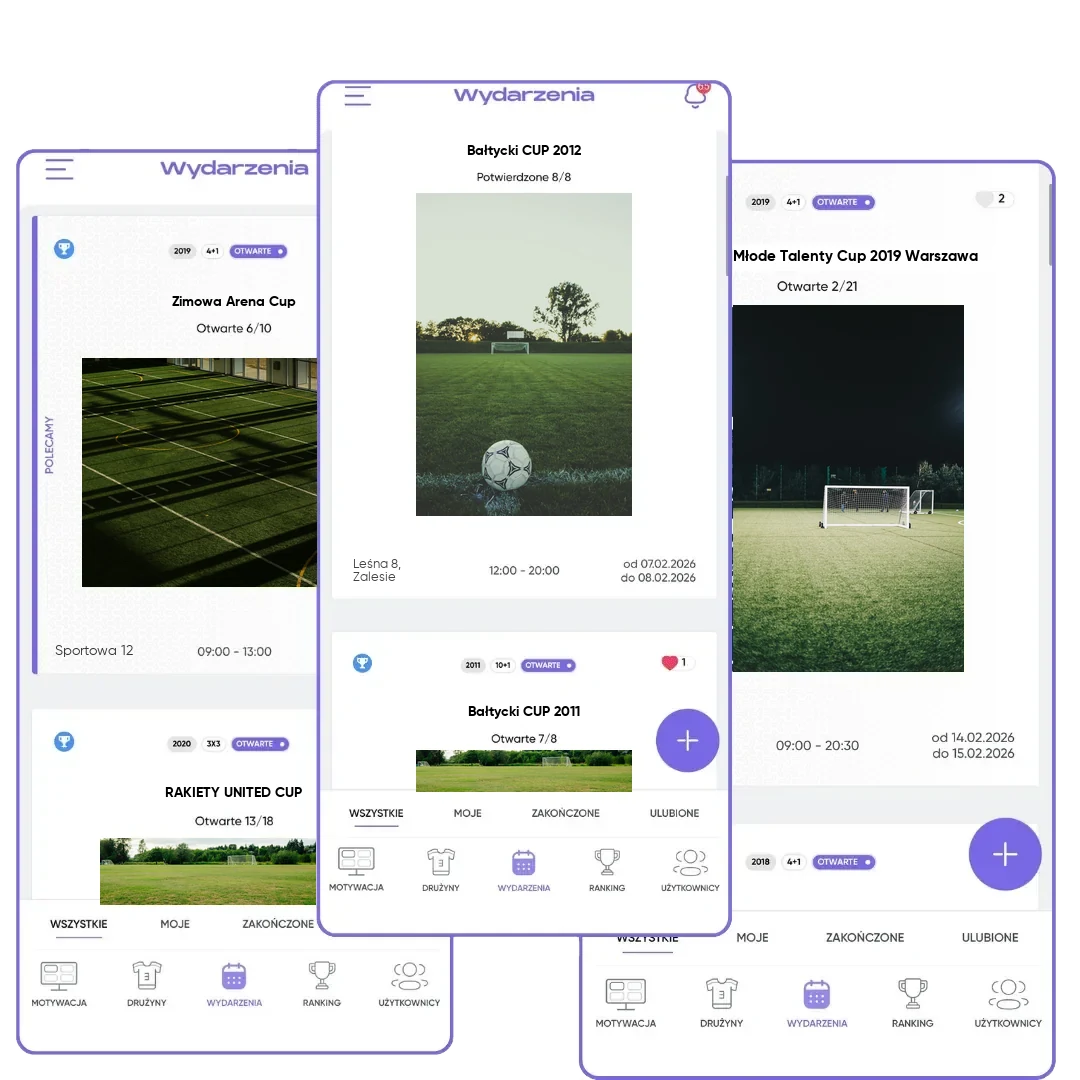
What you get
Reach with no effort
You can send the tournament link on WhatsApp, Messenger, by text, by email or on social media.
Straight to the point
A link from the phone opens the app, and a link from the browser opens the web version.
Referrals with points
You refer FC.APP with your code and earn points for it.
How it works
- 1
Click "Share"
On a tournament, league, scrimmage or profile.
- 2
Pick a channel
WhatsApp, email, text, social media or copying the link.
- 3
Registrations come back to you
All in one place in FC.APP.
One link instead of a flyer in five groups
Tournament info usually goes around in several versions: a photo of the flyer in one group, a description in another, a phone number in a third. Then every coach asks the same thing. In FC.APP, tournaments, leagues and scrimmages have a "Share" button that creates one link to the event. A coach who opens it sees the current details, date and open spots, and sends a registration without calling you.
You send the link through whatever channel you have handy on your phone: WhatsApp, Messenger, text, email, social media or just copying it. There's one rule worth remembering. A link created on the phone opens the mobile app, and a link from the browser opens the web version. Parents use FC.APP on their phones, so create their link in the app. The browser version is for organizers and coaches.
Sharing your soccer tournament works well together with other tools. Registrations from the link go into one tab, where you accept or decline them, just like with one-link tournament registration. At the same time, you can invite teams from the FC.APP database, and on the board by the field, post a PDF schedule with a QR code that leads to the app.
You can share more than an event. You can also create a link to an organizer, coach or team profile and to a player card. On top of that, there are referrals: in the app menu you have your own referral code. A friend enters it when they first sign up, and you both get points for the referral.
Frequently asked questions
How do I share a soccer tournament with coaches?
Click "Share" on the tournament and send the link through WhatsApp, email or another app. The coach opens the details and sends a registration.
What can I share?
Tournaments, leagues and scrimmages, plus profiles: organizer, coach, team, and the player card.
Which link should I send to parents?
A link created on the phone, because it opens the mobile app. Parents use FC.APP on their phones.
Where do registrations from a shared link go?
To your tournament in FC.APP. You accept or decline every registration yourself.
How does a referral code work?
A friend enters your code when they first sign up, and you both get points for the referral.