
For coaches
Scrimmages without calling around
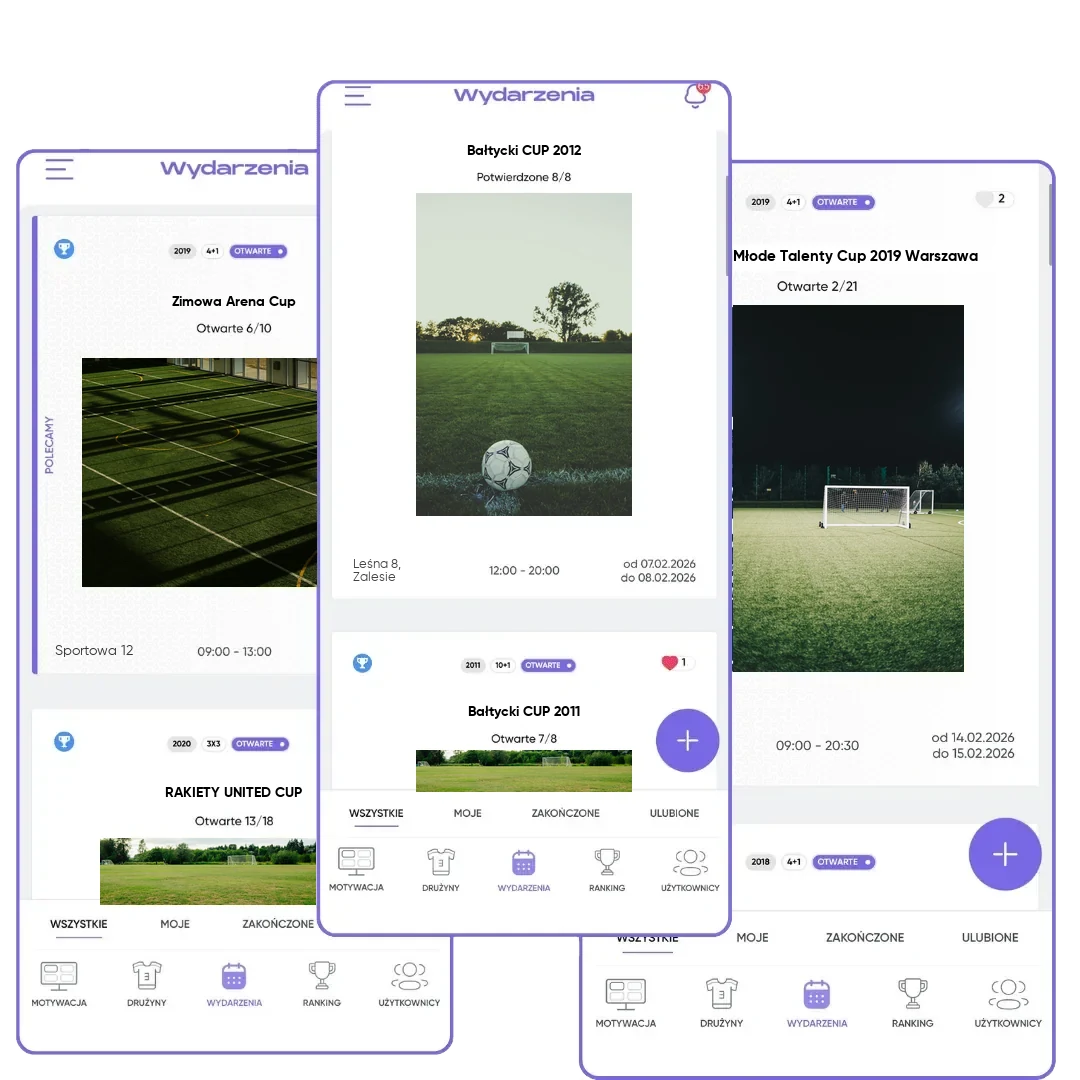
You can set up a youth soccer scrimmage in the app, without hunting for phone numbers in group chats. You pick the opponent and the place, and after the game you keep the score, player stats and a rating of the opponent.
What you get
Opponents sign up on their own
Once you create a scrimmage, FC.APP notifies coaches of teams in the same age group.
You decide
You accept one request, and the other teams get a reply automatically.
Trusted partners
After the game, teams rate each other on level of play, organization and fair play.
How it works
- 1
Post a date
You enter the date, the place or region, and the team that will play. You can also look for an away game within a chosen radius.
- 2
Pick an opponent
You invite teams from the database or accept the request that suits you best.
- 3
The game stays on record
The score with scorers goes into the players' profiles, and you add stats and rate the opponent.
Frequently asked questions
Who will find out about my scrimmage?
Coaches of teams in the same age group get a notification. You can also invite teams from the FC.APP database yourself.
Can I play a team that isn't in the app?
Yes. You add it as a guest team and play the scrimmage without waiting for requests.
Why rate the opponent?
Ratings for level of play, organization and fair play build teams' reputations. Coaches are more likely to accept requests from teams with high marks.
What stays after a scrimmage?
Appearances and goals are saved to players' profiles automatically, and stats the coach adds show in the player profile right away.