
For organizers
Add a team to your tournament, even without the app
Adding a team to your tournament doesn't depend on whether its coach has the app. You enter the name and crest, and the schedule and standings cover everyone.
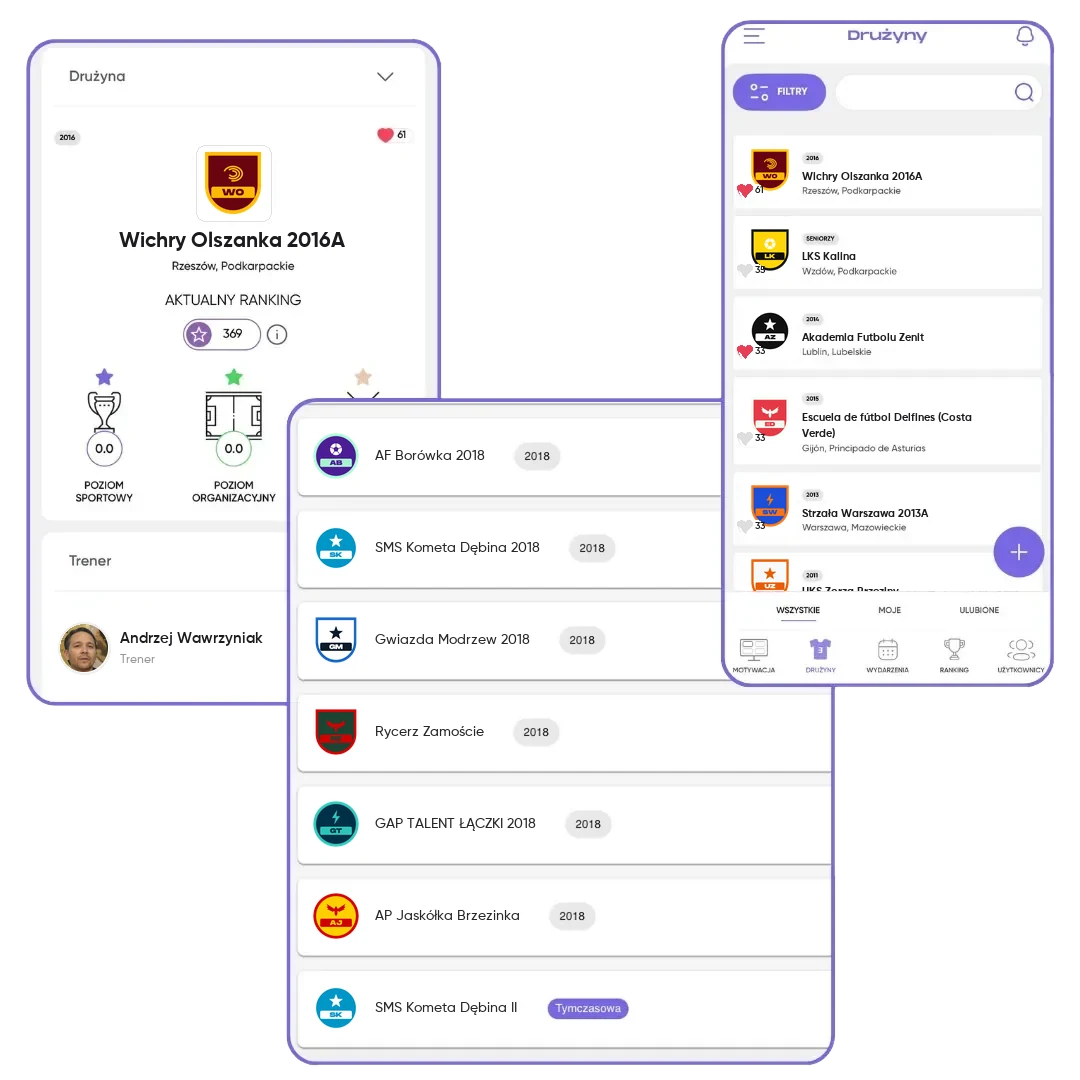
What you get
No one is left out
You fill a gap in the tournament lineup on the spot, even without the coach's account.
Complete standings
You enter scores for every team, so the standings are complete.
A swap that keeps the plan
You replace a guest team with a registered one without touching the bracket or the schedule.
How it works
- 1
Add the name
And optionally a crest, so the schedule looks neat.
- 2
The team plays
It's in the schedule, the scores and the standings.
- 3
Swap it for a registered team
When the coach creates an account, even during the tournament.
A full tournament lineup, even when not everyone is in the app
Almost every organizer knows this situation: the team list is set, but one coach doesn't use the app, and another signed up by phone the day before the tournament. You can't wait for everyone to create an account, because the schedule has to be built now. In FC.APP, you add a team like that yourself as a guest team. You enter the name, optionally a crest, and the team is in the tournament right away.
A guest team plays like any other. It's in the schedule, and you enter the scores of its games the same way, so the standings are complete. The difference is what happens outside your tournament. A guest team exists only as a name. It doesn't get notifications, can't be invited, doesn't collect stats, and after the tournament it stays in the history only as a name.
A registered team has a coach and players in the app. It can register on its own through one-link registration, gets notifications about invitations and scores, collects stats from every tournament and exists after they end. That's why it's worth having as many registered teams as possible. The easiest way to find them is among the teams waiting in the FC.APP database.
When the coach creates an account, you can swap the guest team for a registered one, without breaking the bracket or the schedule. You can do it when the tournament's status is Open, Pending, Confirmed or In progress. This also matters for the tournament level. It's calculated as the average of points in the team rankings, and guest teams count as zero.
Frequently asked questions
How do I add a team to a tournament when the coach doesn't have the app?
Add it as a guest team: enter the name and optionally a crest. The team is in the tournament right away.
How is a guest team different from a registered team?
A registered team has a coach and players in the app, gets notifications, and collects stats and ranking points. A guest team is just a name in your tournament.
When can I swap a guest team for a registered team?
When the tournament's status is Open, Pending, Confirmed or In progress.
Does a guest team get notifications?
No. Notifications go to registered teams, with a coach in the app.
Do guest teams affect the tournament level?
Yes. The tournament level is the average ranking points of registered teams, and guest teams count as zero, so they lower it.