
For coaches
A team you coach together
A soccer team's coaching staff works in one app. An assistant puts players on game rosters, enters stats and gives badges, and the team's data stays under your control.
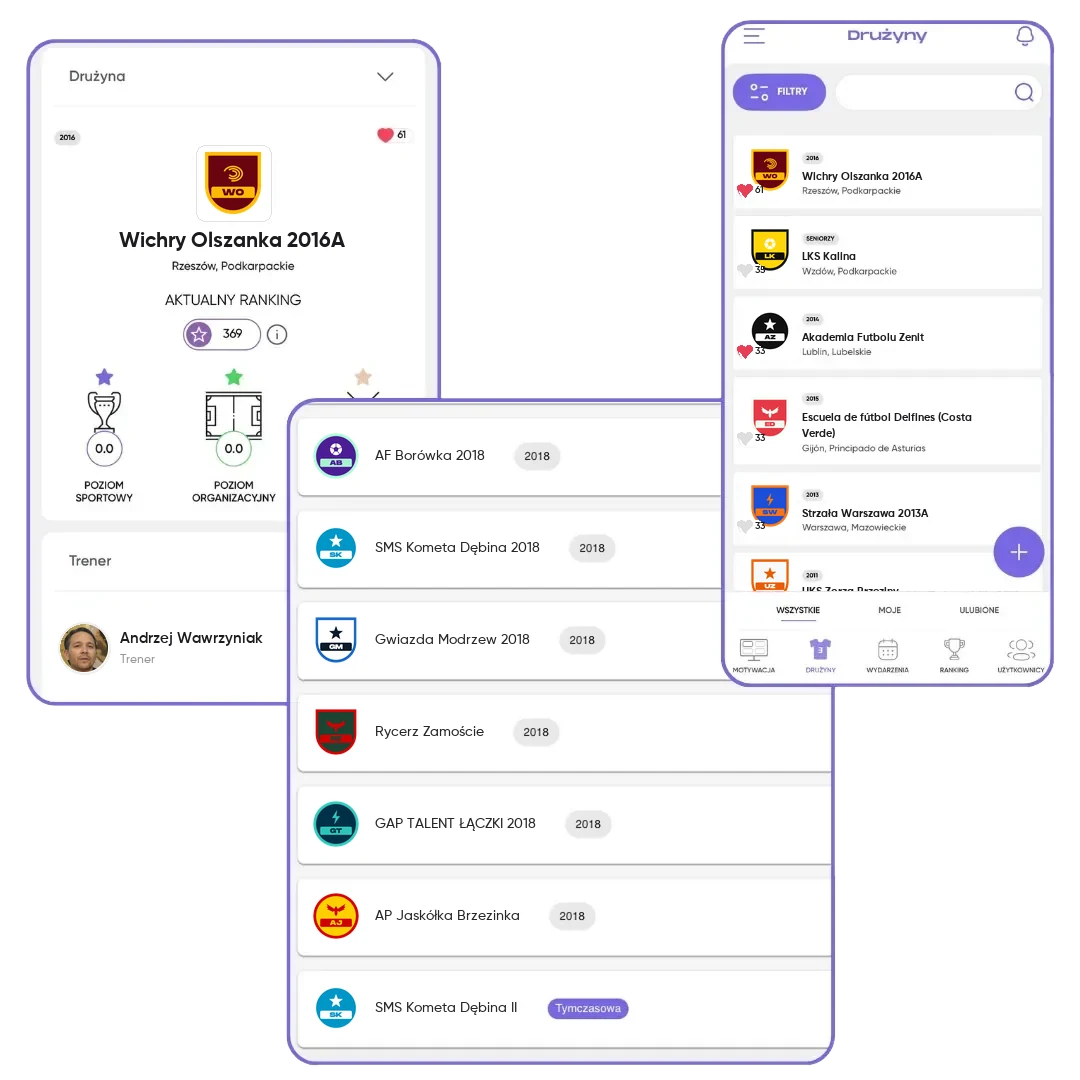
What you get
Work split across several hands
An assistant creates events, puts players on game rosters and enters stats.
Clear roles
The head coach manages the team's data and staff, and the assistant takes care of the players.
Team continuity
When the coach changes, you hand the team over to the next coach instead of creating it from scratch.
How it works
- 1
Invite a coach
You search for them in the app, and they accept the invitation in a notification.
- 2
Split the tasks
Every coach gets notifications about players waiting for a decision.
- 3
Hand over the reins
When needed, you name the team's new head coach.
Frequently asked questions
What can an assistant do?
Manage players, create events, put players on game rosters, enter stats and ratings, and give badges. They don't change the team's basic info or the staff.
How many coaches can a team have?
There's no fixed limit. For convenience, we recommend 2 to 3 coaches per team.
Who can I add to the staff?
Someone with a Coach/Organizer FC.APP account.